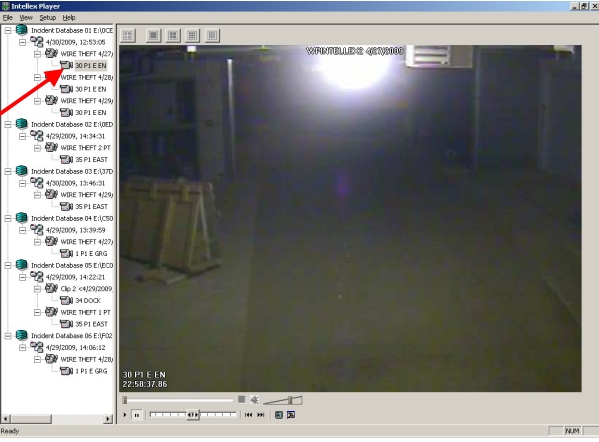
Intellex Player Instructions
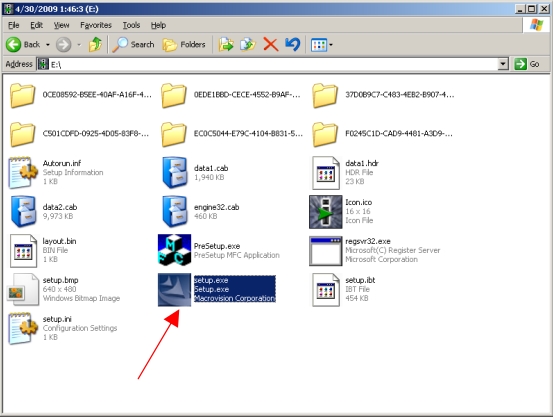
1)Double click on the setup.exe icon to start the installation process. If you already have the player installed then skip ahead to Step 6
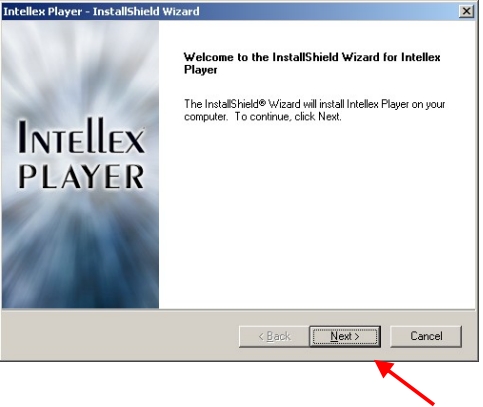
2)After choosing your language of choice, click Next
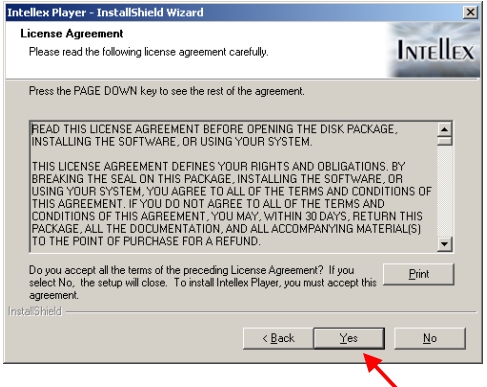
3)Click Yes on the next screen to agree to the license agreement.
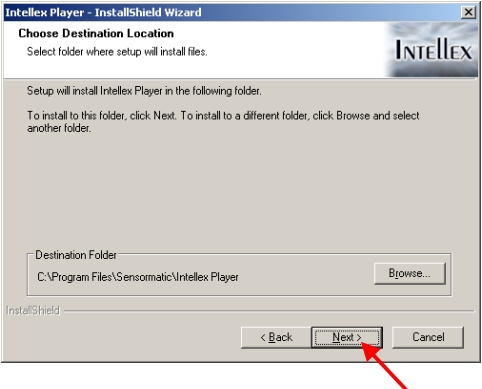
4)Click Next to install
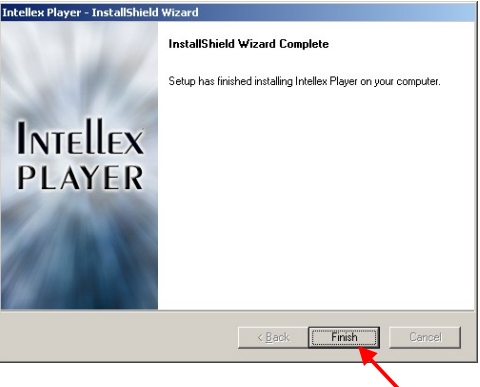
5)After it is finished installing, click Finish.
6)Find the icon on your desktop and double click to open it. Put the CD with the video in to the disc drive on the computer and the player will automatically open them up.
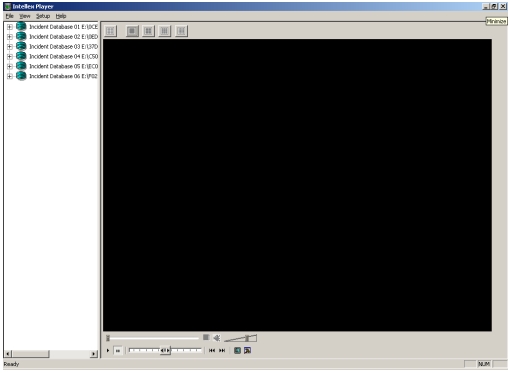
7)On the left hand side of the player, expand on all of the files until you can see the desired videos.
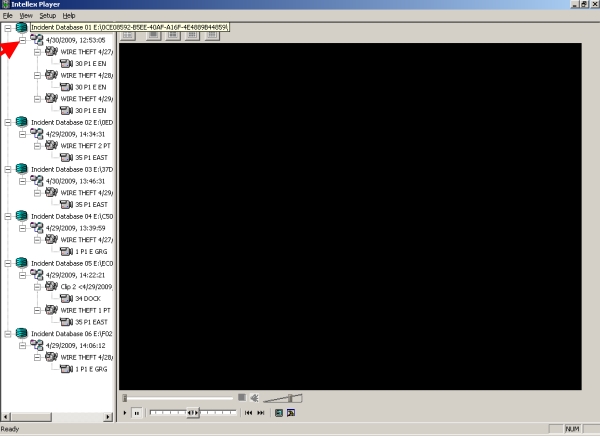
8)Click on the video that you want to play. And press the play button on the bottom of the screen.